
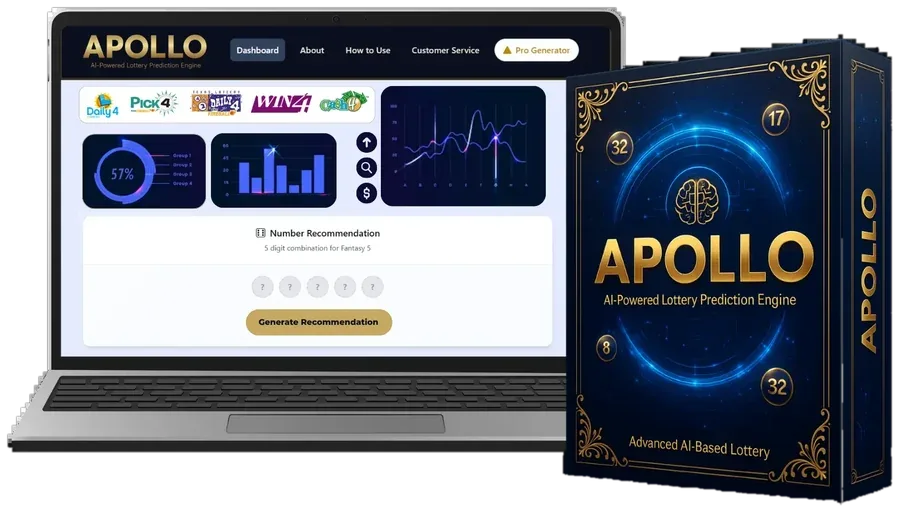
- Step 1
Buy once
Complete the $147 checkout; your login arrives right away.
Apollo AI - Step 2
Sign in anywhere
Open Apollo AI in any browser. No app download.
- Step 3
Complete the setup screen
Select your lottery, your state and your game's number of picks, then tap Analyze Now.
- Step 4
Let the tools work
The Result Log loads history and the Number Profiler analyzes it.
- Step 5
Check the visuals
Our settings guide covers what each option does.
- Step 6
Generate your pick
The Pick Assembler hands you a full pick. Play it within your budget.
Quick Answers
How long does each session take?
About four minutes once you're set up.
Is it complicated?
No. There's one screen, a few visuals and one main button.
Can I get more than one pick?
Yes, tap Generate again. Each pick carries the same odds in an official draw.
One payment
Put Apollo AI to Work on Your Next Draw
Get the complete dashboard for a one-time $147, including every upgrade we release. If it isn't right for you, request a refund within 14 days.
Order Apollo AI Secure checkout in USD